Parkva for schools
Know whose car is in your lot.
Students on the list you approved, staff in their own lot, and visitors registered at the sign. And a barred car, flagged the moment it’s checked.
Thistle Creek High SchoolStudent Lot
Step 2 of 6: Check
Permitted
This vehicle has an active permit
Scanned 7:44 AM
7JRN538
Parking listStudent Lot
On Students (parking list)
No expiration
Thistle Creek High SchoolVisitor Lot
Step 2 of 6: Check
Permitted
This vehicle has an active permit
Scanned 7:51 AM
6GTM491
GuestVisitor Lot
Valid until Oct 15, 9:40 AM
Still reading hang tags through windshields?
Tags get lent, copied, and kept after they expire, and the only record of who has one is a spreadsheet in the office. So students fill the staff lot, and teachers text you about it.
Before Parkva · hang tags
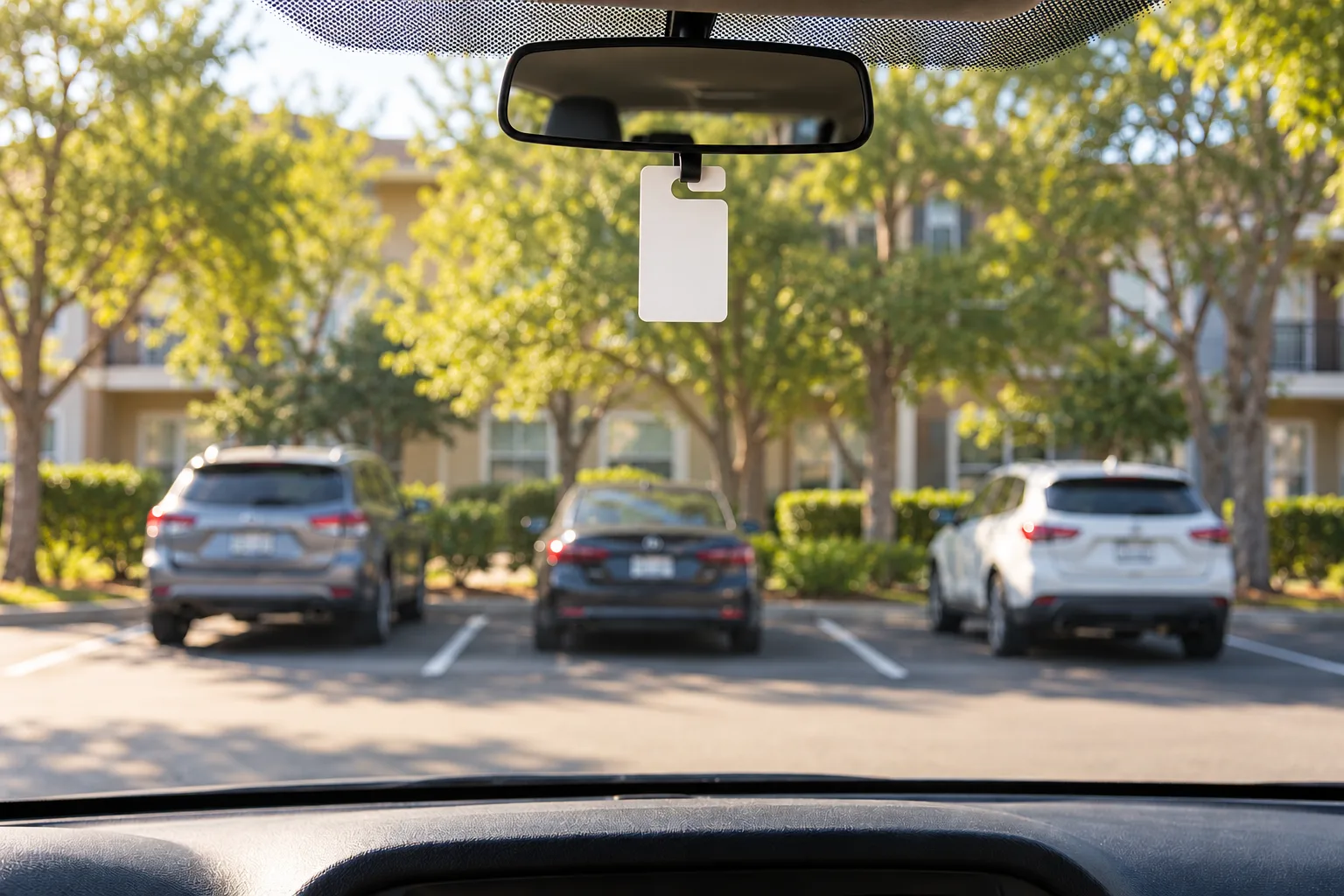
Last year’s tag, still on the mirror.
Repeat plates, kept on the office board.
A teacher’s space, taken again.
With Parkva
Your approved list replaces the hang tags.
Bring the students you approved from the form or spreadsheet you already run, or connect your student system, and staff from HR’s list. The plate is the permit, so there’s no tag to hand out.
Upload to Students
A file of names and plates, or plates alone. One row per person or car. Nothing is saved until you press Save.
students-2026-27.xlsx
Nobody on a list is messaged.
List
Students
New version of Students
289 of its 396 people are in this file
Keep as a separate listTo add
113
Unchanged
289
Coming off Aug 24
107
Not in this file
See whoWorth a look · 1
Where they park: only Student Lot
They stay until you take them off or upload a new version.
Nothing is saved until you press “Save new version”.
Teachers park in their own lot again.
Your campus monitor snaps a plate, and the phone says which list the car is on and which lot it belongs in. A warning prints at the car from the printer on their belt.
Thistle Creek High SchoolStaff Lot
Step 2 of 6: Check
Not permitted in Staff Lot
Permitted in Student Lot
Scanned 7:52 AM
8PLW216
Parking listStudent Lot
On Students (parking list)
No expiration
You decide how firm: how many warnings come first, whether tickets follow, and whether towing is ever allowed. The fire lane and the bus loop get the same check.
Answer the parent with the photos.
When a parent calls about a ticket, the whole story is on one screen: the photos, the warning before it, who decided, and the appeal. Families pay or appeal from the ticket, and the appeal comes to you.
Parking Violation
Thistle Creek High School
Operated by Thistle Creek Campus Security
Fine Amount$25.00
- Ticket Number
- TKT-2026-00052
- Violation
- Unauthorized Zone
- License Plate
- 8PLW216
- Due Date
- Oct 29, 2026
Pay $25.00
File an appeal
ENF-000046
Thistle Creek High School
8PLW216Oct 15, 7:52 AM
Timeline
Violation identified
Not permitted in Staff Lot. Permitted in Student Lot.
Paper warning notice placed
Warning period expired
Ticket issued
Appeal filed
Ticket due date paused pending review.
Appeal Review
Ticket TKT-2026-00052 · Thistle Creek High School
Violation: Unauthorized Zone
Reason: She moved her car after the warning.
Review Notes (required)
Still in Staff Lot at 12:10 PM, photo on the ticket.
Deny AppealForgive (Void Ticket)
Decide the appeal with both sides’ photos.
The family’s photos sit beside your monitor’s, and nothing is decided until you write down why.
“Whose car is this?” The desk knows.
Search any plate at the front desk and see whose car it is and until when: a parent who registered at the visitor-lot sign, a substitute on today’s day pass, or the food-service truck.
4HMY352Esc
Right now
Today’s standing, not the standing at the time of a past warning or tow.
Permitted here until Oct 15, 2026, 4:00 PM
- Guest pass · in Staff Lot · until Oct 15, 2026, 4:00 PM
Passes
4HMY352Day Pass · Staff Lot
At the desk
One search shows whether a car may park right now, and why.
Visitor Parking Pass
Thistle Creek High School
6GTM491
ZoneVisitor Lot
Duration2 hoursFirst 2 hours free · Valid until 9:40 AM
Active
At the sign
Visitors register at the sign, in five languages, with nothing to download and no account.
Allow List
9TFL205CAFully trusted
Food service, weekday deliveries
Expires Jun 5, 2027
Deliveries
The food-service truck is on the Allow List until June, so nobody flags it.
Time limit · Front Door, Space 2
Thistle Creek High School · 15 minutes
Parked 8:02 AMStill there 8:18 AM
DismissAccept
By the door
Make the front-door spaces 15 minutes. Parkva Watch’s cameras flag a car that stays longer, with the clip, and read no plates or faces.
Know when a barred car comes back.
Add a car your school has barred, with the reason. When your monitor checks it, or a patrol vehicle reads it, it’s flagged on the spot, and you see when and where it was seen.
Thistle Creek High SchoolVisitor Lot
Step 2 of 6: Check
Hotlist · TrespassedTrespass notice. Call the front office.
Not Permitted
No active permit found for this plate
Scanned 8:06 AM
5VKD823
Watch List
PlateStateReasonSightingsLast seen
5VKD823CATrespass notice. Call the front office.28:06 AMPatrol officer
Friday night parking without the cash box.
Fans scan the sign at the gate and, where you charge, pay tonight’s game price by phone. Volunteers wave cars into open rows instead of making change. Students and staff on your lists park as usual.
The night’s parking goes straight to the school’s account, with a receipt for every car.
Thistle Creek High School
License Plate Number
3RCX764
Select Duration
You’re all set!
Nothing to print or display.
Active · Payment confirmed
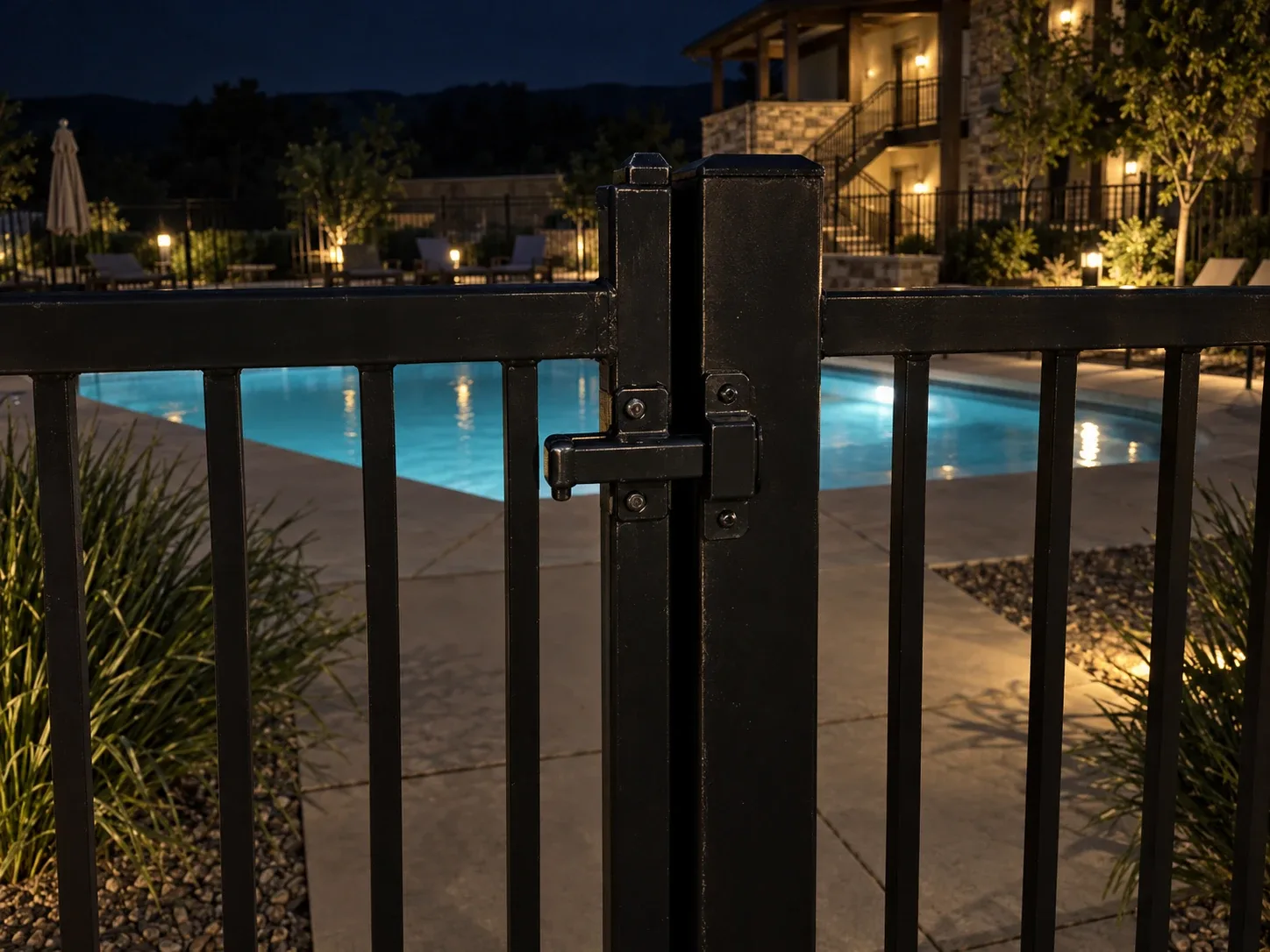
Gates locked? You’ll know by morning.
After the game, each check lands as your security team makes it: stadium cleared, Gate B locked, and every car left in the lot checked, with a photo, the time, and the route walked. By morning, it’s one brief.
Maintenance Item
Log a one-off maintenance item entry for this property. Add a note or a photo. It appears on the Security Reports map at your location.
NotesDictate
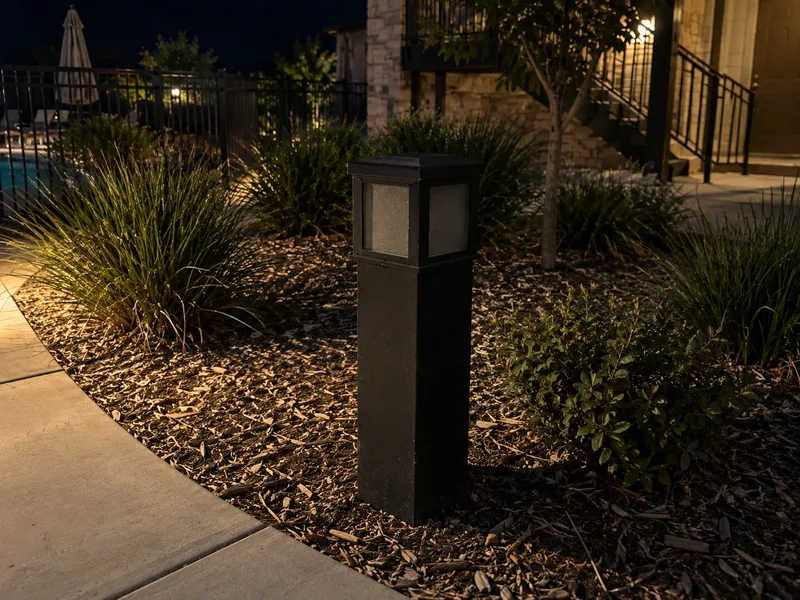
path light out by the east lot, prob the bulb. maint in the am
Audio (optional)
Record audioPhotos (optional) 1 photo
Thistle Creek High School
Security Reports
7 scheduled tasks completed of 7 targeted across 2 categories. 1 item logged for maintenance or review. Parkva Patrol ran 1 session, checking 186 plates and flagging 0 violations.
Tasks 7/7Items 1Plates 186Violations 0
All of Parkva for your school
- Students, staff, visitors, and game nights, on the lists and lots you set See Parkva Permit
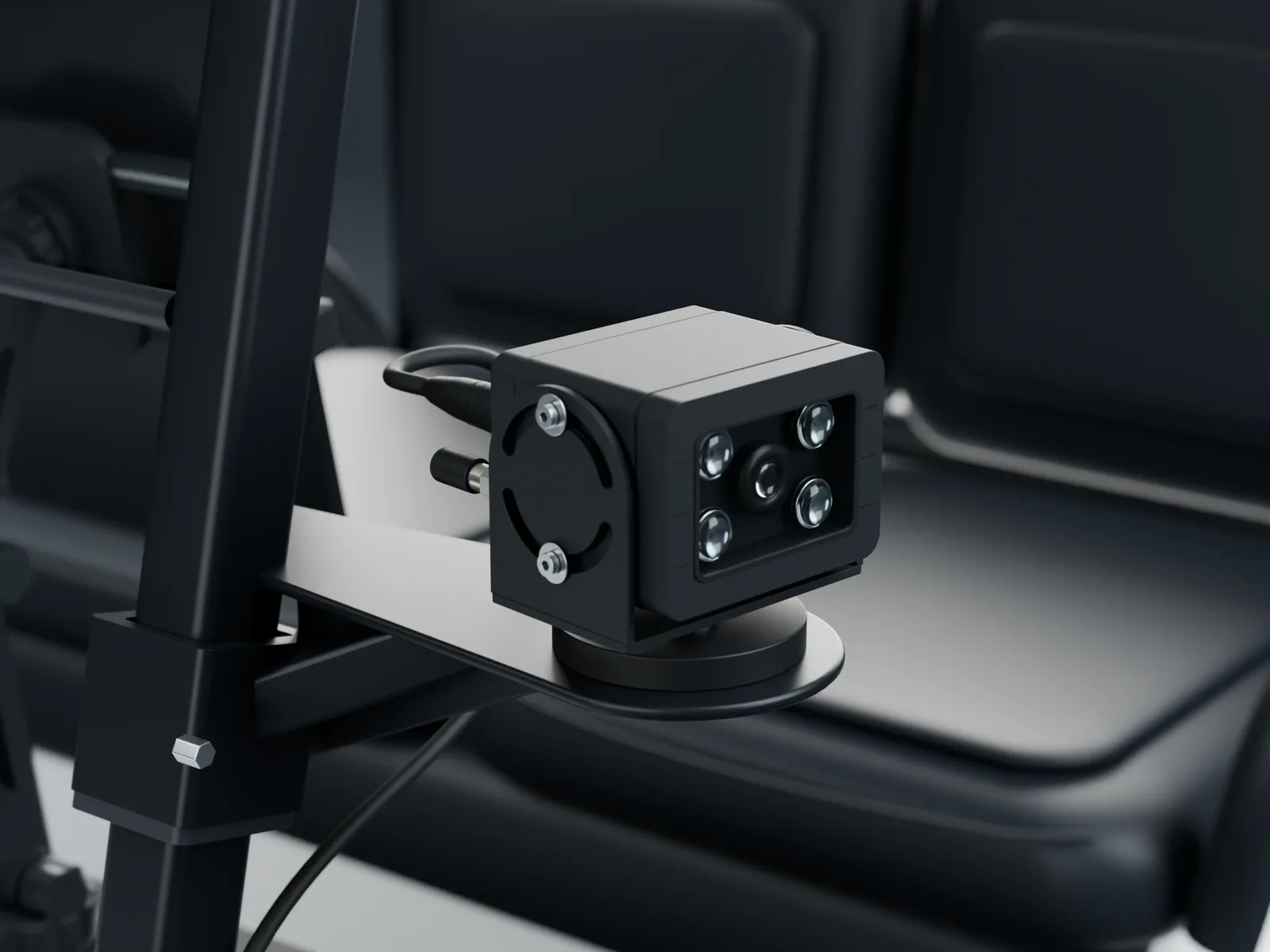
- Every plate, from a phone on foot, a golf cart, or a security vehicle See Parkva Patrol
- Front-door spaces kept to 15 minutes, with the clip See Parkva Watch
- Rounds, gate checks, and a morning brief your principal can read See Parkva Guard
- One record of every check, warning, ticket, and appeal See the property experience platform
Every campus, one view for the district.
Each school keeps its own lots and lists. The district office sees every school’s checks, warnings, and rounds in one place.
Bring your student lot to the call.
Tell us how your lots work today, from first bell to Friday night. We’ll set up your lists, signs, and lots with you.
Questions about student data? Talk with us